| |
Jigsaws Galore is powerful - yet simple!
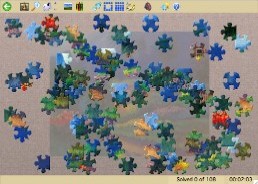
This screen shot (click to enlarge) shows a 106-piece jigsaw
just about to be started, with the pieces randomly scattered and optionally rotated. Notice the background "ghost" image has been switched on - with this it's like solving the jigsaw on a traditional box
lid. Want more pieces? Choose up to 64,000 pieces on any jigsaw.
Starting to solve the puzzle
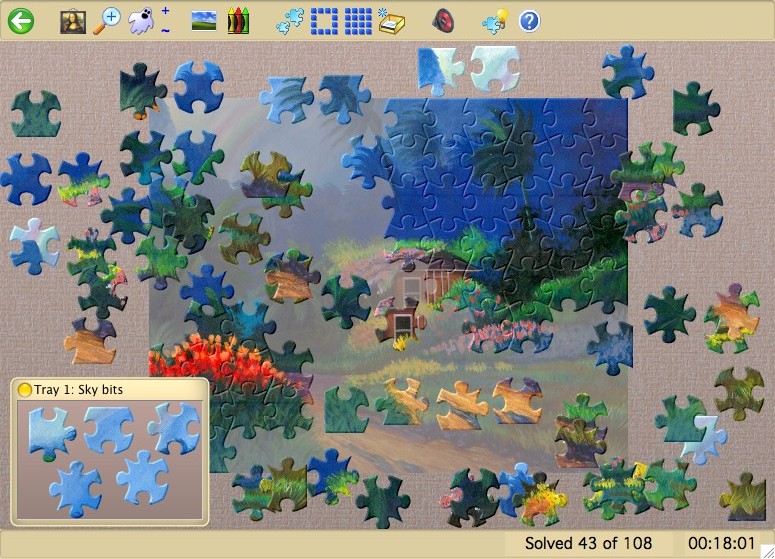
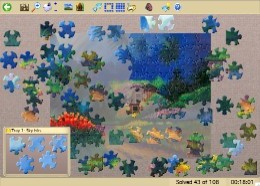
This screen shot (click to enlarge) shows the same jigsaw in
the process of being completed. Notice the handy tray being used to
collect sky pieces. You can open as many trays as you like and resize
them, add a description and change the background color. All the
sorting and arranging features are available for trays, too.
No more drudgery sorting the pieces...
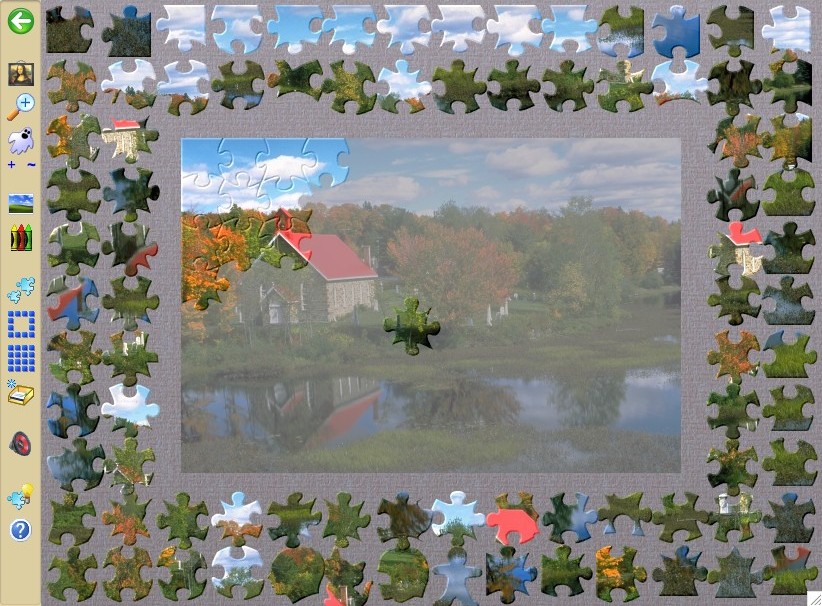
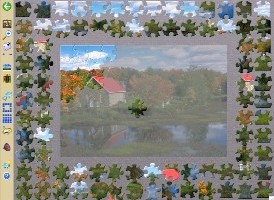
This screen shot (click to enlarge) shows the "auto
arrange" feature being used to neatly place the pieces around the
edge of the window, leaving a space in the center to solve the puzzle.
You can optionally also have the pieces sorted by shape and color.
Notice the four corner pieces conveniently placed in the top left corner, with all the
edge pieces following in a clockwise spiral. Pieces with similar tab
outlines and colors have also been automatically grouped together. No drudgery in
this game!
The adjustable background ghost image has been turned up to a high brightness
setting to make solving a breeze. Notice that the toolbar has been
dragged to the left edge and the status bar switched off to give more
head room for this puzzle.
Choosing a jigsaw - so easy!
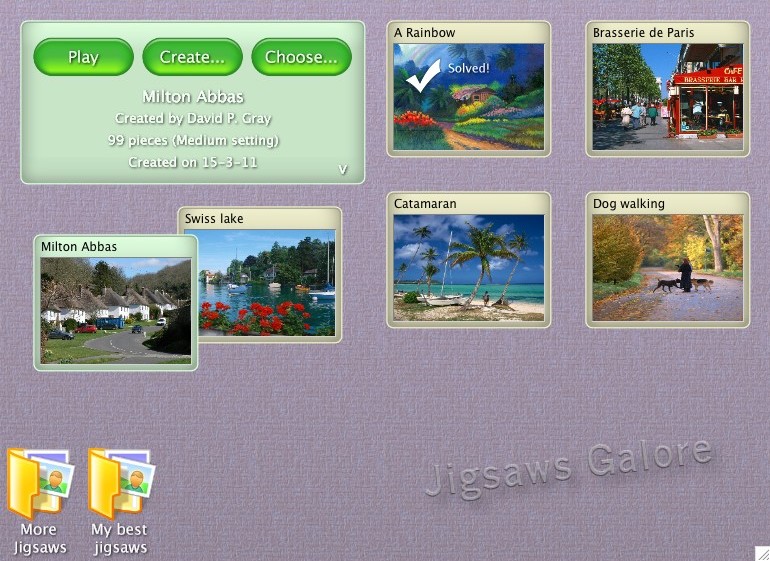
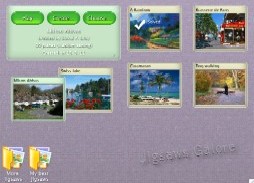
This screen shot (click to enlarge) shows the simplicity of the
jigsaw preview screen. Simply double-click a jigsaw to start or resume
it. Notice that we have now finished the rainbow puzzle which shows
"Solved!" and is checked off. Of course you can always start
the puzzle over, if you wish. And why not try the same puzzle with
more or fewer pieces, a different style of pieces or with rotating
pieces and a timer for added challenge? Simply click the
"Choose" button to make your choices.
On this screen you can also create your own folders (like photo
albums) for organizing your jigsaw collections. The control panel also
extends to show any description text held within each jigsaw and there
are controls to size the thumbnails and tidy the screen. Here you can
also edit jigsaws and create new ones.
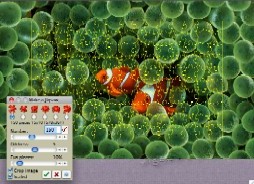
Creating a new jigsaw...
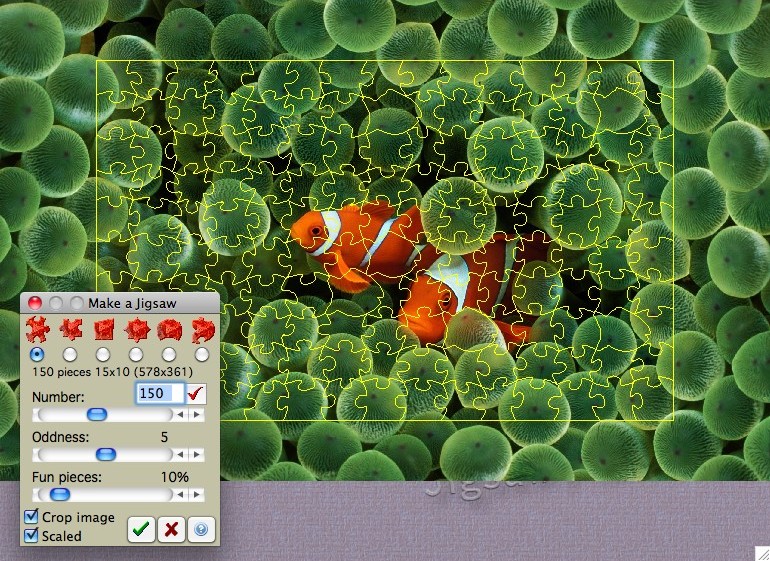
This screen shot (click to enlarge) shows the jigsaw creation
screen. A clown fish image from the Desktop Pictures folder has been
imported. Alternatively, you can capture any image from the screen. .
We have chosen to crop a portion of the screen around the fish. We
chose 150 pieces with a classic shape and, in a moment of silliness,
we decided to throw in some "fish" shaped pieces - can you
spot them? The number of pieces and other settings are not important,
the beauty of this game is that you can always change them after the
jigsaw has been created. You can change the size and shape of pieces
even while playing the jigsaw!
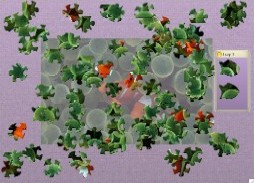
... here's the new jigsaw!
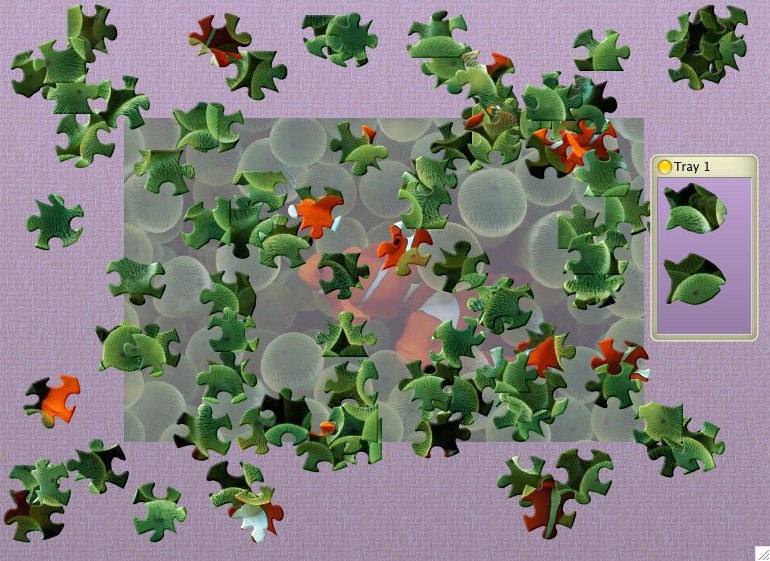
This screen shot (click to enlarge) shows the clown fish jigsaw
just created after starting to play it. We caught some of the fish
pieces in a handy tray, before they could swim off. How? By
right-clicking the tray and selecting "Fetch fun pieces".
Notice that we have cleared the screen of all toolbars for a
completely uncluttered working space. The game is very flexible!
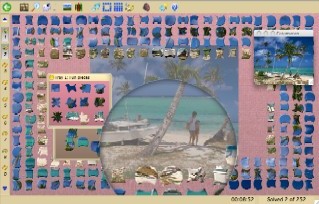
OK, simple is good but I want power!
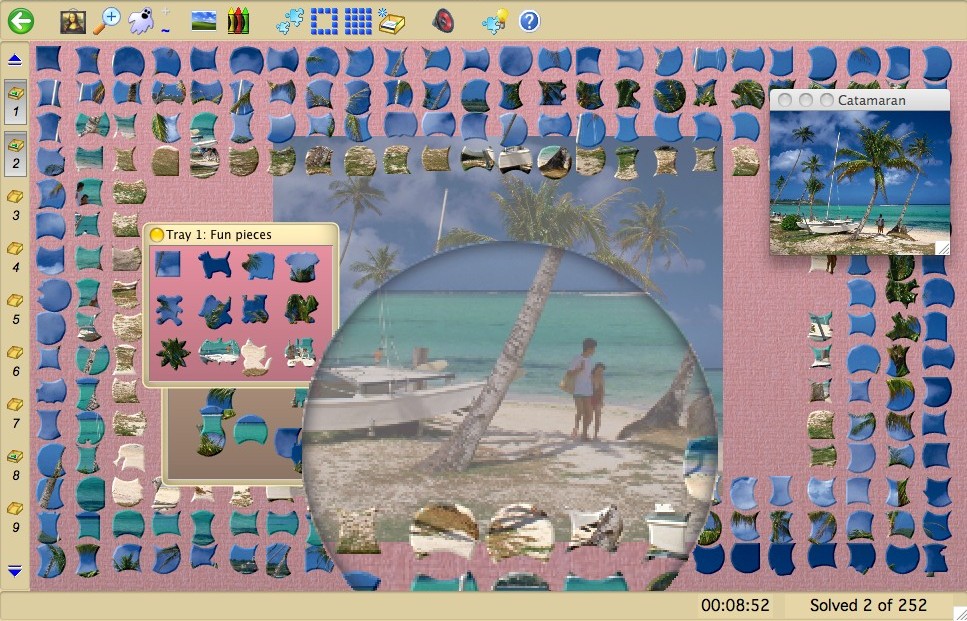
(Click to enlarge) That's good because power with simplicity is the
strength of Jigsaws Galore. For starters it can easily handle puzzles
with many 1,000's of pieces, up to 64,000. That's when sorting pieces
by color and shape really comes into its own. You can create as many
trays as you like and sort and arrange those, too. Notice we have
chosen to show the tray button bar and dragged it to the left edge.
With this button bar you can manage trays easily. Check out the
realistic magnifying glass which you can drag around the board to
magnify your working area. You can also change the magnifying power
and switch to a windowed mode as you wish.
Notice the tray containing some of our unique "fun
pieces". There are currently 22 fun shapes and if you are
adventurous you can even make your own. The preferences screen has a
page where you can select which shapes you like and which you don't.
If you don't want any, just set your preference to zero! And yes, even
while playing a jigsaw.
The game has many preference settings, from the piece snap distance
to setting the thickness of the pieces, from wafer-thin foil to thick,
chunky wood, turn shadows on and off, turn anti-aliasing on and off,
set outlines to disappear as you complete the puzzle. And all
available even while solving a jigsaw! Images are sized automatically
and you can set how much area you want the image to take on the main
board. Pieces can be rotated and picked up if you have a middle scroll
wheel or button - even the direction of rotation can be changed.
There is also a handy undo/redo feature in case you make a mistake,
like inadvertently emptying a tray's pieces or arranging pieces you
didn't mean to. Then there are all the cheat functions, next piece
hint function, mystery mode, auto-solve, demonstration mode, auto-save
feature, overlay picture, zoom feature, countdown timer, solving
statistics, movable and adjustable intensity ghost, programmable
sounds, textures, skins, colors. You can set the background color to
always contrast or match with the color of the pieces, the list goes
on and on... See the game's extensive help for a full list with detail
on every aspect of the game.
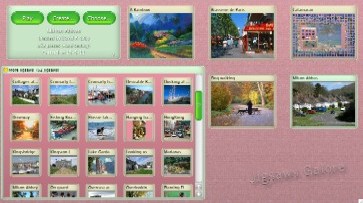
Organizing your jigsaws...
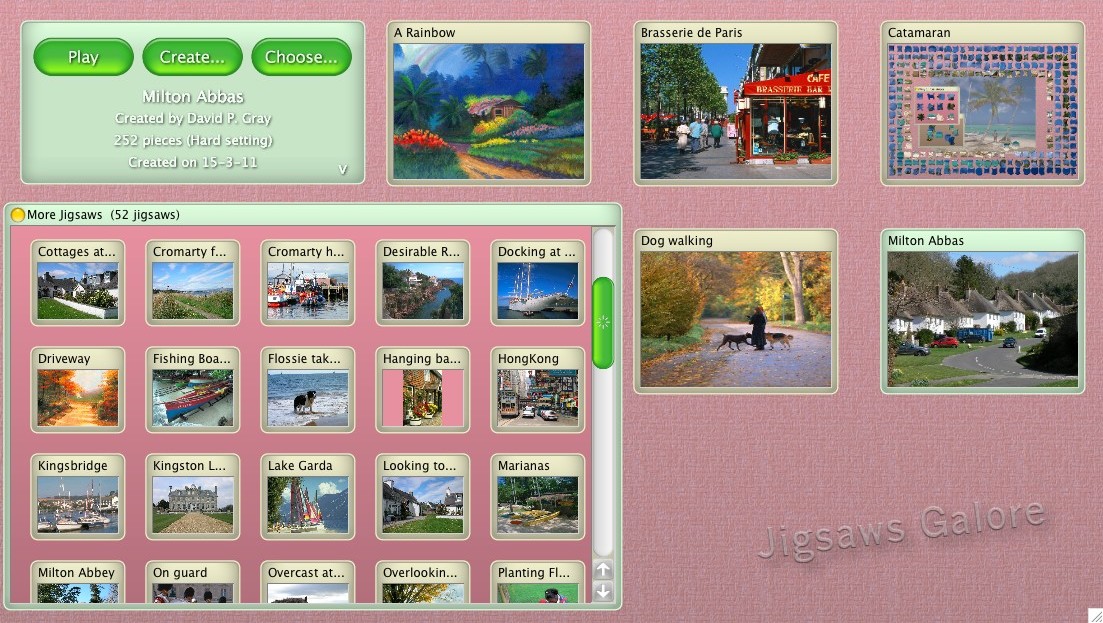
This screen shot (click to enlarge) shows the jigsaw preview
screen with a folder (photo album) opened with 52 jigsaws inside.
Notice that the thumbnails can be displayed at different sizes in each
folder as well as the main board. You can create any number of new
folders and simply drag your jigsaws into and out of them.
A good use for a new folder might be to place jigsaws you have
completed.
Notice how you can see your current progress in the Catamaran
puzzle.
|
|